Labor may be unposted, however this should only be done when ABSOLUTELY necessary. This process can only be performed for the last posted period; it cannot be performed for periods prior to it. Labor CANNOT be unposted if the system is set up to export labor by 'Pay Period' and a Payroll file has been exported for the posted period.
Note: This screen is not available for Cruise Lines.
- From the Administration menu, click Unpost Labor.
- An Unpost Labor Period message will open.

- Click Continue to proceed. A confirmation message will appear when the period has been unposted
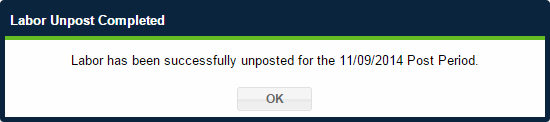
- In the confirmation box, click OK to return to the Administration Overview page.
 Related Topics